
Check a Gemini-Generated Renewal Tracker Before Moving It to Sheets
Test a Gemini-generated renewal tracker with known dates, missing inputs and repeat records before relying on it in Google Sheets.
Published October 30, 2026

Before using a Gemini-generated spreadsheet to manage software renewals, check three things: every subscription is accounted for, each calculated date follows your stated rule, and the formulas still work after the file opens in Google Sheets. A convincing preview is only the first draft. The useful result is a tracker that another person can maintain without repeating the conversation that produced it.
Google announced on October 29, 2026 that the Gemini app can generate, preview and edit files in chat, including structured trackers that open in Sheets. Spreadsheet creation and editing in this announcement are web features. Google lists availability for Workspace customers, Workspace Individual subscribers and personal accounts with Gemini access. Check your organization's approved account before entering business data. Google’s file-creation announcement
This creates a useful opportunity for an operations manager who needs a small internal renewal-review list. The method below uses invented subscriptions and known answers to test the spreadsheet before real records enter it. It does not ask Gemini to interpret contract clauses or decide when a legal notice must be sent. Those decisions remain with the people responsible for the agreements.
Define the job before requesting the file
The job is to tell an owner when to begin an internal review of a subscription. Keep that separate from contractual notice dates, cancellation instructions and purchasing authority. In this example, the owner supplies a renewal date and an agreed number of calendar days for internal preparation. The spreadsheet subtracts those days and identifies incomplete records. It does not contact a supplier or change a subscription.
This approach fits a short list with stable fields and a person who can verify the inputs. Skip it when an existing procurement system already controls the work, when several teams need complex approval routing, or when contract terms require interpretation. In those cases, a generated workbook may be useful as a temporary analysis, but it should not become a second competing source of deadlines.
Assign an operations owner to the list and a reviewer to the calculation. The owner confirms subscription identity, renewal date and preparation time. The reviewer checks the spreadsheet's behavior. For a very small business, one person may do both jobs at different times, using a written answer sheet to avoid accepting a formula merely because it looks familiar.
The prerequisites are a permitted Gemini account, a desktop browser, access to Sheets, and a safe sample dataset. This workflow assumes existing access and does not recommend buying a plan just to try it. Count preparation, verification and correction time as part of the cost. A file produced in two minutes may still take longer to accept than a simple spreadsheet made manually.
Build a six-row test with answers you already know
Use the following constructed sample. Subscription IDs are made-up identifiers, not vendor account numbers. The preparation periods are internal planning choices, not contract terms. All dates use year-month-day notation, and subtraction uses calendar days rather than business days.
- R-101: owner Maya; renewal 2026-12-01; preparation 30 days; expected review date 2026-11-01.
- R-102: owner Luis; renewal 2027-01-15; preparation 45 days; expected review date 2026-12-01.
- R-103: owner Jo; renewal 2026-11-30; preparation 14 days; expected review date 2026-11-16.
- R-104: owner Sam; renewal 2026-12-31; preparation period missing; expected result is a visible hold with no calculated review date.
- R-105: owner Noor; renewal 2027-03-01; preparation 28 days; expected review date 2027-02-01.
- R-102 again: the same owner, date and preparation period as the earlier R-102 row; expected result is a flagged repeat, not a second subscription.
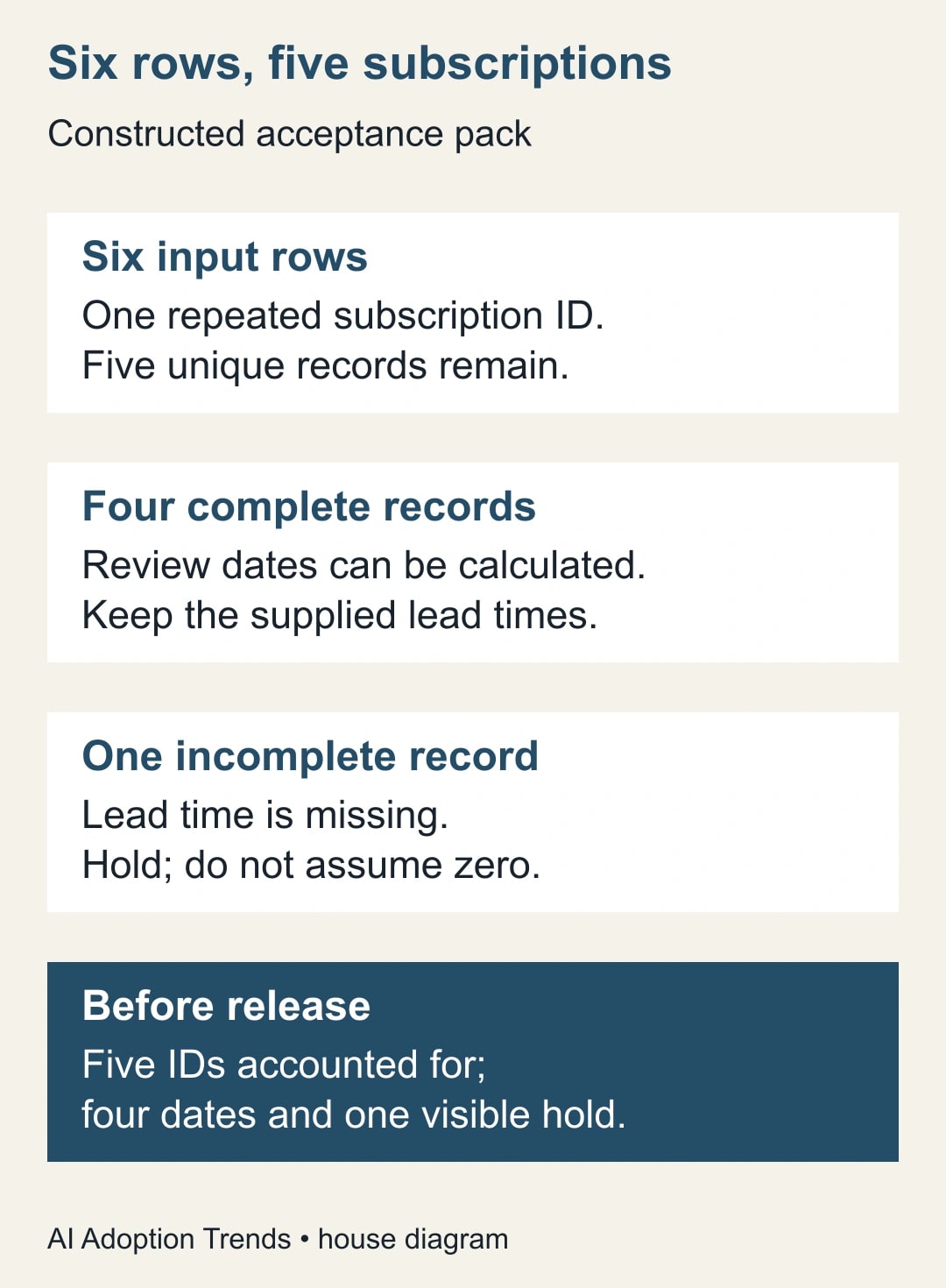
There are six input rows and five unique subscriptions. Four unique records have enough information for a review date; one does not. Preserve all six input rows in a source tab. The accepted working list should contain five subscriptions, with a separate note explaining the repeated input. This preserves the evidence while avoiding two reminders for one renewal.
The example includes a year boundary, a shorter month, an incomplete value and a repeated identifier. Those are deliberate tests. A sample of five ordinary dates in the same month can make a weak spreadsheet appear reliable because it never encounters the conditions that cause practical mistakes.
Give Gemini a specification it can fail visibly
An adaptable brief is more useful than a request to “make a professional renewal tracker.” Copy the following brief, then supply only the synthetic rows for the first attempt. Keep the answer sheet outside the generation request so that you can compare the output independently.
“Create a Google Sheets renewal-review tracker from the supplied rows. Preserve the original rows in a Source tab. Create a Review tab with one row per subscription ID, owner, renewal date, preparation days, calculated internal review date and review status. Use calendar-day subtraction. Do not infer missing values, vendor terms or business-day rules. Flag repeated IDs and list any conflicting values for human review. A missing preparation period must produce a hold and a blank review date. Keep dates as dates and preparation days as numbers. Explain the formulas and identify editable input columns. Do not create external notifications or actions.”
Ask for a short assumptions note in the workbook. It should say which date convention and calculation rule apply, what a blank means, and where duplicate decisions are recorded. That note helps the next maintainer distinguish an intentional blank from a broken formula. It also prevents an attractive “ready” status from concealing missing information.
Read the preview for structure before refining colors or formatting. Look for the Source and Review tabs, the original identifiers and an obvious hold on R-104. If the model invents a preparation period, correct the specification and regenerate or edit the draft. Do not simply change that one cell and assume the underlying treatment of blanks is now safe.
Keep the first request small. Charts, automated emails, supplier research and spending recommendations introduce separate acceptance questions. They also make it harder to notice whether the basic tracker preserved the source rows. Add another feature only after the simple file passes and someone has a clear reason to maintain the extra work.
Test the exported Sheets file
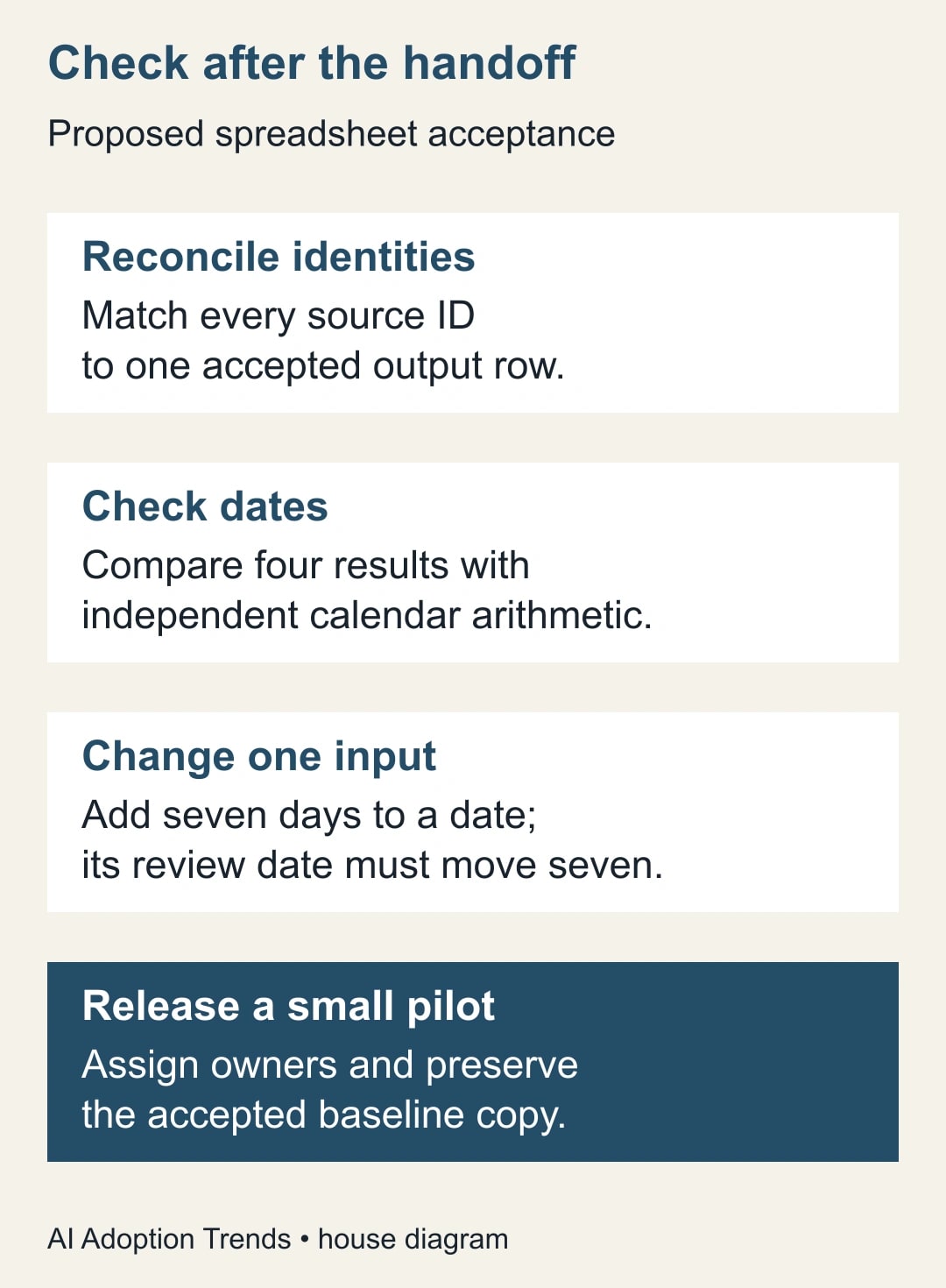
Open the generated file in Sheets and save an acceptance copy before making changes. Compare it with the six-row source pack. Match identifiers rather than relying on row order: sorting can move a subscription while leaving a casually written checklist misleadingly reassuring. Record each expected date beside the actual result in a temporary test sheet.
The four dates must match exactly. A result one day earlier is a failure to explain, not a harmless rounding difference. Check whether the source date became text, whether the formula used a business-day function, or whether the preparation period was interpreted differently. Confirm that the workbook's date display does not conceal a month/day reversal.
Then inspect the calculated cells. A displayed date can be a fixed value rather than a formula. The decisive test is to change R-101's renewal date from December 1 to December 8 in the acceptance copy. With the preparation period still 30 days, the review date should move from November 1 to November 8. Restore the input afterward and confirm the original result returns.
Repeat a different kind of change: make R-103's preparation period 21 rather than 14 days. Its November 30 renewal should then produce November 9. This catches a formula that references the wrong input column or a fixed preparation period. Restore the source value and record both tests, including any correction made to the formula.
For R-104, confirm that the missing preparation period stays missing. It must not behave as zero and turn December 31 into an apparently approved review date. In a test copy, supply 30 days and expect December 1; then remove the value and expect the hold to return. This checks both entry into and recovery from an incomplete state.
Resolve duplicates by identity and meaning
The repeated R-102 row is safe to consolidate only because its relevant values match in this constructed example. Record that conclusion. If two rows share an identifier but have different renewal dates, the spreadsheet should flag a conflict for the owner. Selecting the later date automatically could remove the earlier review that the team actually needs.
A subscription name is usually a weaker identity than a stable internal identifier. Two departments can purchase different subscriptions from the same provider. Conversely, one subscription can appear under slightly different product names in separate exports. Ask the owner what one row represents before allowing the generated workbook to merge anything.
Preserve a short exception log with the source-row references, the disputed field, the owner's decision and the date of that decision. Avoid copying entire contracts into a casual note. The log needs enough evidence to explain the accepted value and locate the approved source, while respecting the permissions already used by the team.
Test a conflicting repeat by changing the second R-102 date in a copy. The expected result is a visible conflict, not an unexplained choice. Once the test is complete, restore the original sample. Keep this case in the acceptance pack for future revisions because changes to deduplication can quietly alter the list even when the date formulas remain correct.
Make the handoff usable for someone else
The working file needs a named maintainer, an update schedule and a clear distinction between inputs and calculated outputs. Use a small instruction area explaining where new subscriptions belong and which columns should not be overwritten. Do not depend solely on cell color; a reader should be able to understand the rule from the headings and instructions.
Have the intended maintainer add one synthetic record using those instructions. Check whether the new row receives the expected calculation and status. Generated formulas may cover the initial rows without extending to future entries. If expansion requires copying a formula, say so plainly and include that action in the update checklist rather than implying the sheet maintains itself.
The handoff should also explain how the team sees upcoming work. A date in a spreadsheet is not evidence that anyone has reviewed it. Choose a recurring manual review or an already approved task process, then assign the owner who checks it. Any later notification automation needs its own test for missing, duplicate and changed records.
Keep a dated accepted copy and the synthetic test pack. When someone changes the formula, adds a status rule or regenerates the workbook, rerun the pack before replacing the working version. A more polished layout can still contain a worse calculation. Version notes should identify the behavioral change, not just say “updated tracker.”
Use this acceptance worksheet
- Purpose and scope: internal renewal preparation; calendar-day rule; no supplier action.
- Inputs: source date, stable subscription ID, owner and preparation period, with the approved source location.
- Reconciliation: six source rows, five unique subscriptions, one explained repeat and no lost identifiers.
- Calculation: four expected review dates match; changing a renewal date or preparation period changes the correct result.
- Exceptions: one missing preparation period stays on hold; a conflicting repeat requires an owner decision.
- Maintenance: a new row receives the intended behavior; input columns and update instructions are clear.
- Acceptance: reviewer, workbook version, test date, unresolved issues and the person authorized to release the pilot.
For the first real pilot, choose a small number of low-complexity subscriptions with already verified dates. Measure how many records are accepted without correction, how long review takes and whether an owner misses a planned review. These are operational measures. They do not establish the model's general accuracy, and minutes released do not become cash savings unless a real budget cost changes.
Stop expanding if the workbook loses an identifier, invents a missing value, changes formulas unexpectedly or requires more correction than the existing method. Restore the last accepted file and keep the unresolved records visible. The next action is to run the six-row sample, not to upload the entire contract archive. For adjacent checks, use the guide to verifying Gemini’s cell citations when facts come from the web, and the connected-Sheets sales-report check when the workbook depends on external reporting data.
Weekly Newsletter
AI Adoption Weekly
New research, field guides, training studies, and tool decisions for operators.
No spam. Unsubscribe anytime.
Related Comparisons
Calculator
AI seat cost calculator
List price × headcount. You enter the hours and the operating assumptions.