
Your practice space
Read first, or open the worksheet whenever you are ready.
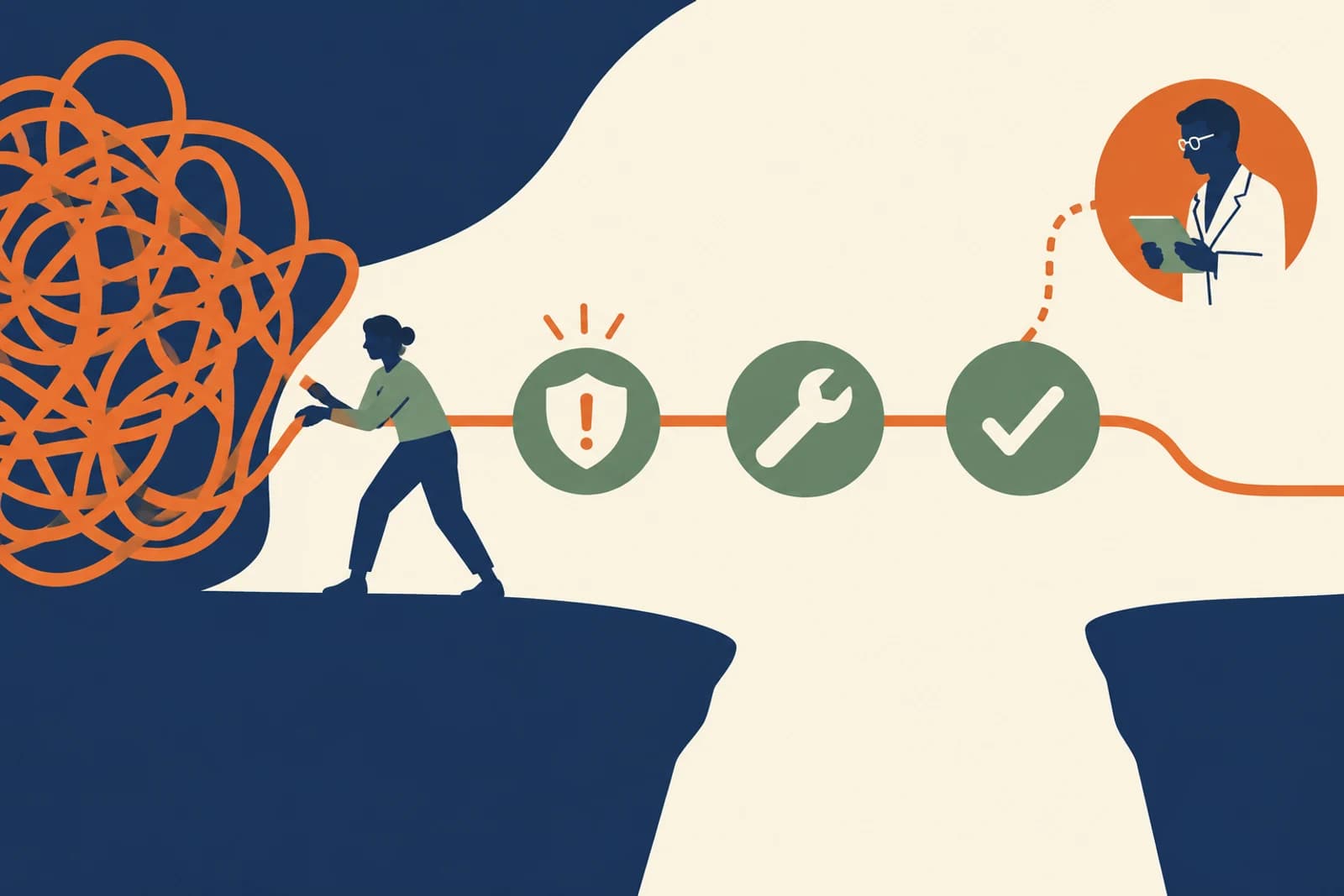
A long list of risks is not a repair plan. It can even delay the simple fix sitting in front of the team. If an assistant has permission to send outside email and nobody knows how to stop it, remove that permission now. Then work out the durable design, owner, date, and proof. Containment and improvement are different jobs, and both matter.
You can do many first steps with your existing staff: list tools, close unused accounts, narrow connections, write allowed-data examples, test a planted bad case, and rehearse a pause. Bring in a specialist when the facts or obligations exceed the team’s expertise—not because a consultant deck is the first step in every security story.
Constructed teaching example
See the risk in ordinary work
Example: a 30-person firm finds shared AI logins, unclear retention, and an agent able to send external email.
Where it fails
It orders a six-month platform project while the risky send permission remains live today.
A better route
The owner disables send today, replaces shared access this month, obtains written vendor terms, and brings in outside help only for the regulated-data question it cannot resolve.
The working diagram
Follow the boundary
- 01
Contain
Remove the dangerous permission or data route now.
- 02
Fix
Assign one owner, action, evidence, and date.
- 03
Verify
Repeat the bad case and inspect the result.
- 04
Escalate
Bring specialists for legal, forensic, or complex technical uncertainty.
Remediation is a work list, not a score presentation
For each gap, record the workflow affected, the failure it permits, the immediate containment step, the lasting fix, an owner, a date, and evidence that the fix worked. Sort by potential harm and exposure, then by how quickly you can reduce it. Do not delay an easy, high-impact permission change while drafting a perfect policy.
Use 48 hours for immediate containment, 30 days for foundational fixes, and 90 days for testing and refinement as planning examples—not universal deadlines. Some incidents require action sooner; some architecture changes take longer. The owner should state the actual target and why.
What a small team can do itself
Most organizations can inventory tools, remove unused access, turn on stronger sign-in, create a plain-language approved-use lane, assign a data owner, test one prompt-injection example in a safe environment, and rehearse how to pause an assistant. They should use vendor documentation and their existing IT support. None of this requires claiming to be a security laboratory.
Call specialists when evidence suggests a breach; when regulated health, financial, or children’s data is involved; when contractual terms or notification duties are unclear; when an agent can take high-value external actions; or when you cannot determine whether unauthorized access occurred or what information was exposed. An incident responder, privacy lawyer, security architect, or independent tester answers different questions. Name the question before buying a broad engagement.
Check it in your organization
- Write one immediate containment step for every critical zero.
- Assign one accountable owner and a verification test to each fix.
- List the unresolved questions that require a named specialist.
Close the loop with a retest
A remediation ticket is not complete when a setting changes; it is complete when the original failure no longer happens and the approved work still works. Re-run the planted case, check the log, and ask a normal employee to complete the legitimate task. If the fix creates an impossible path, redesign it before a workaround becomes the new process.
Keep a short decision record: what changed, who accepted the remaining risk, what evidence was seen, and when to revisit it. Then repeat the course score on the same workflow. That 0–20 number is our planning aid, not an official NIST rating or a security certification; show leaders the evidence and critical gaps beside it. Improvement is a demonstrated capability, not a prettier chart.
Follow one business through the course
Northline: three gaps, three different responses
Northline Supply is a fictional teaching example, not a reported company incident.
Northline’s review finds shared AI logins, uncertain vendor retention, and an assistant that can send external email. The tempting response is to launch a six-month platform replacement. That may eventually be useful, but the send permission is a live exposure today. The operations owner disables it and confirms the assistant still drafts useful messages. IT gives each user an account and rehearses recovery. Procurement requests the exact retention terms in writing.
One question remains: some service tickets may contain health information sent by a customer, even though Northline is not a health provider. The team does not guess at the contract or notification implications. It asks a privacy specialist a narrow question with the data route and sample redacted records. If there is evidence of actual exposure, incident response starts immediately; the 48-hour planning example in this course is not permission to wait.
Another setting
A small agency with no security department
A ten-person agency uses an AI writing workspace. It has no external actions, but staff sometimes paste client briefs into personal accounts.
What to do: The owner can establish an approved workspace, client-data examples, individual accounts, a fast exception contact, and a two-week usage check. A lawyer should review any client agreement that restricts tool use; a large technical audit is not the first move.
Where this goes wrong
Three traps worth catching early
The plan starts with the biggest project
Remove a dangerous permission or exposed data route today while the longer design is being decided.
“Fixed” means the setting changed
Run the original bad case again and test the legitimate task. The repair must stop the failure without making normal work impossible.
A broad expert brief with no question
An incident responder, privacy lawyer, security architect, and tester solve different problems. Bring the data route and the unresolved decision to the right person.
What good looks like on paper
A fix plan, filled in
Use this as a model for your own three highest-priority gaps.
- Today
- Disable external send; operations owner confirms drafting still works.
- This month
- Replace shared logins; IT tests recovery and removes abandoned accounts.
- This quarter
- Test wrong-recipient and stale-policy cases; review exceptions and customer corrections.
- Expert trigger
- Suspected breach, regulated or restricted records, unclear duties, or high-value external actions.
Put it into practice
Try this on one real workflow
Pick the three highest-priority gaps from your score and make a 48-hour, 30-day, and 90-day plan.
The fill-in worksheet is in the practice space at the top of this lesson. Open it when you have a workflow in mind; it will keep your notes out of the reading flow.
Go to the worksheetSources behind this lesson
The business examples are constructed. These sources support the method or risk described above; they do not prove a result for the fictional company.
Risk-based improvement for teams with different resources and maturity.
The course ends where the work continues: repeat the score on the same workflow, keep the evidence, and reopen the decision whenever a new data source or action is added.