
Ten lessons · About three hours · Free
AI security that people can actually use
Protect passwords, data, and connected agents without forcing employees into hidden workarounds. Leave with a workflow map, a 20-point self-assessment, and a practical fix plan.

The operating idea
Make safe work easier than the workaround.
Security is not only a password rule or a scary list of attacks. It is the design of the route from a person’s legitimate job to a result the organization can trust. If approved tools are unusable, people will be tempted to take work elsewhere. If an assistant can read, send, spend, and delete without a boundary, speed can turn one mistake into a customer problem.
These ten long-form lessons follow Northline Supply, a fictional company, through decisions that build on one another. Each part also brings in a second kind of business, common traps, an illustrated process, and a filled-in work product you can adapt. Allow about 20 minutes per lesson; a full team exercise may take longer. No coding is required.
The learning path
Ten decisions, in a useful order
Lessons 1–4 establish the boundaries. Lessons 5–8 make them usable and testable. Lessons 9–10 turn evidence into a plan.
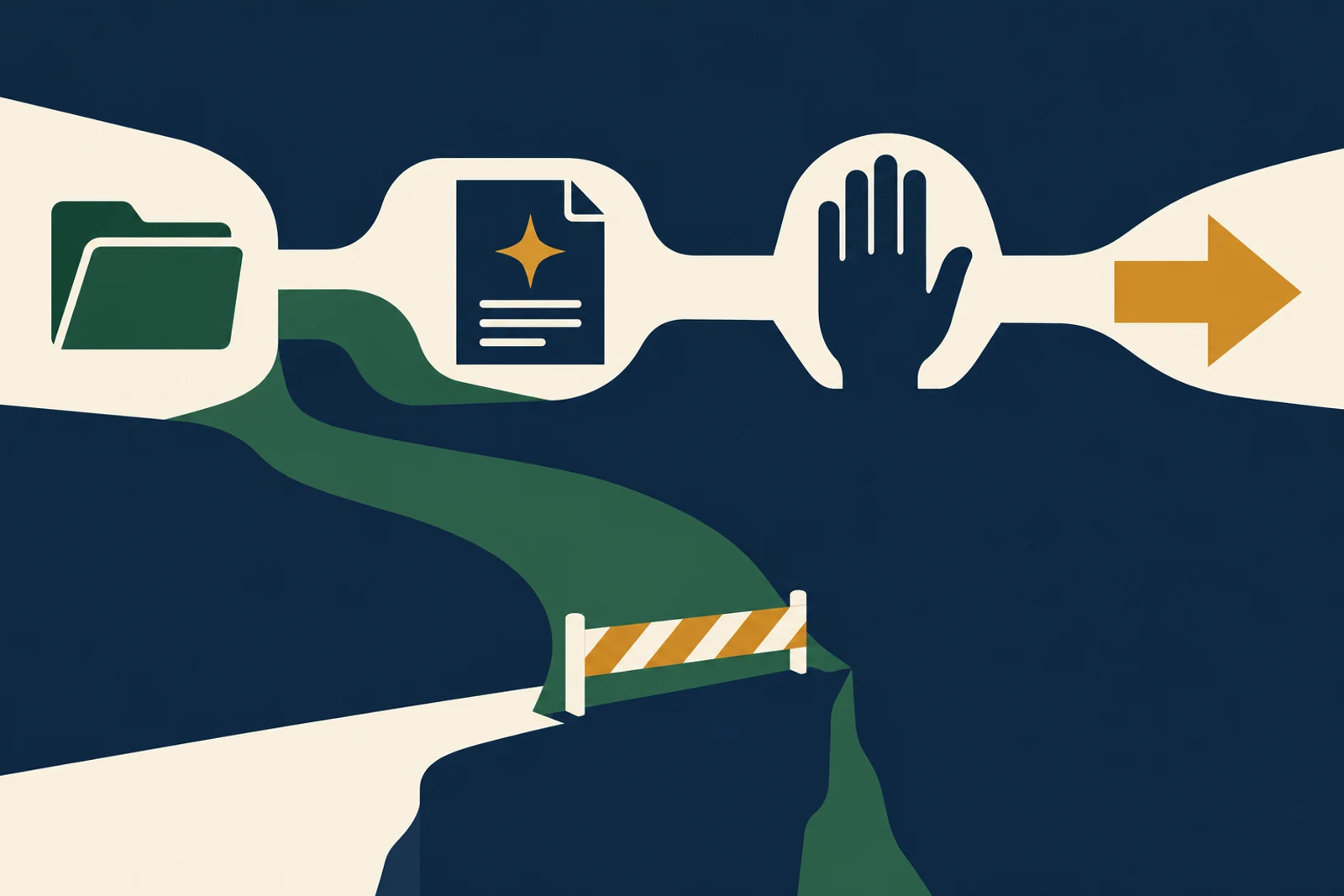 0118 minutesStart With the Work, Not the Threat ListDraw one real AI workflow and see where information, authority, and accountability change hands.Read lesson
  0220 minutesPasswords, Passkeys, and the Way Back InProtect accounts without turning account recovery into the weakest door.Read lesson
 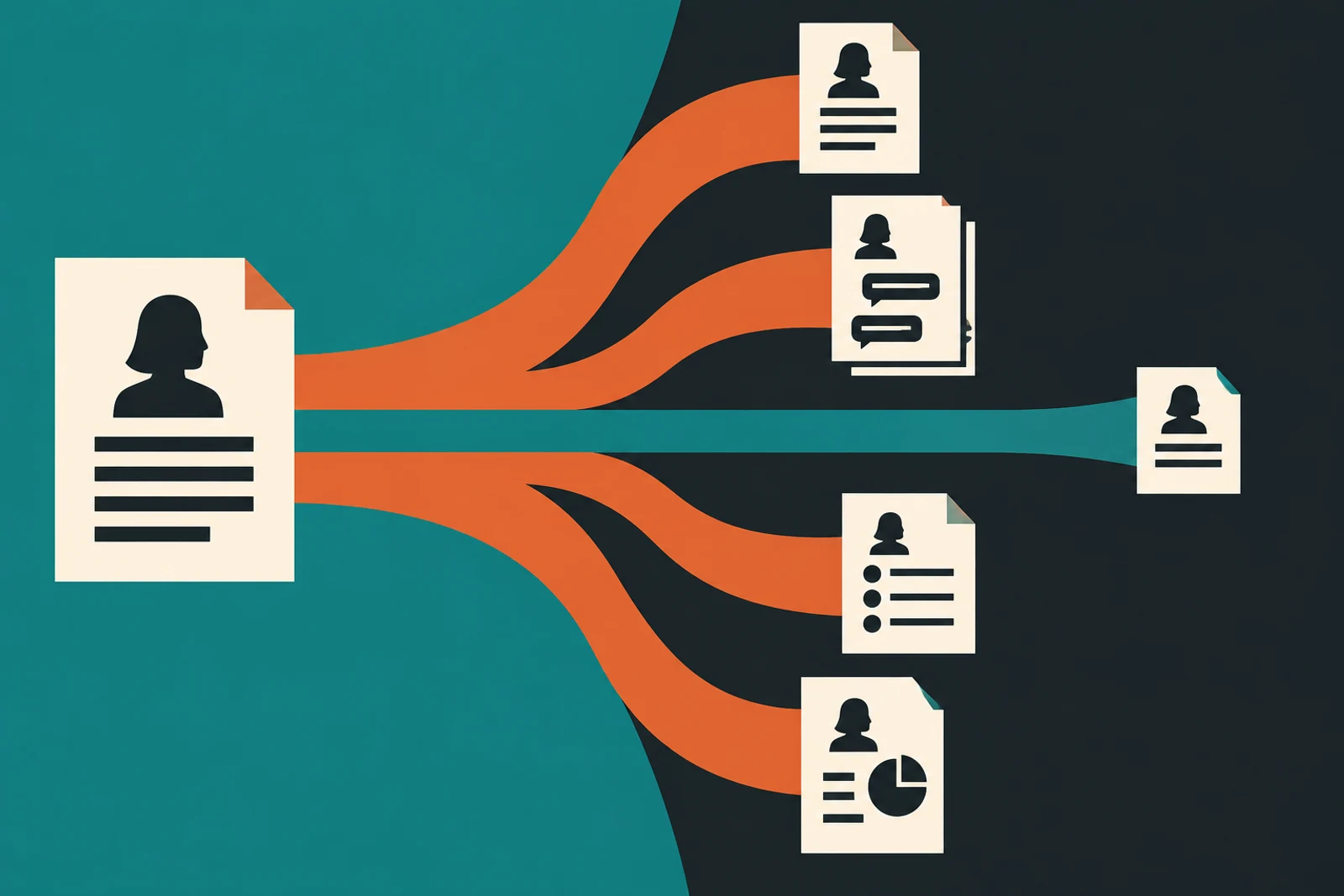 0320 minutesKnow What Data Leaves, Stays, and ReturnsDecide what may be entered, connected, stored, and deleted before a tool gets company data.Read lesson
 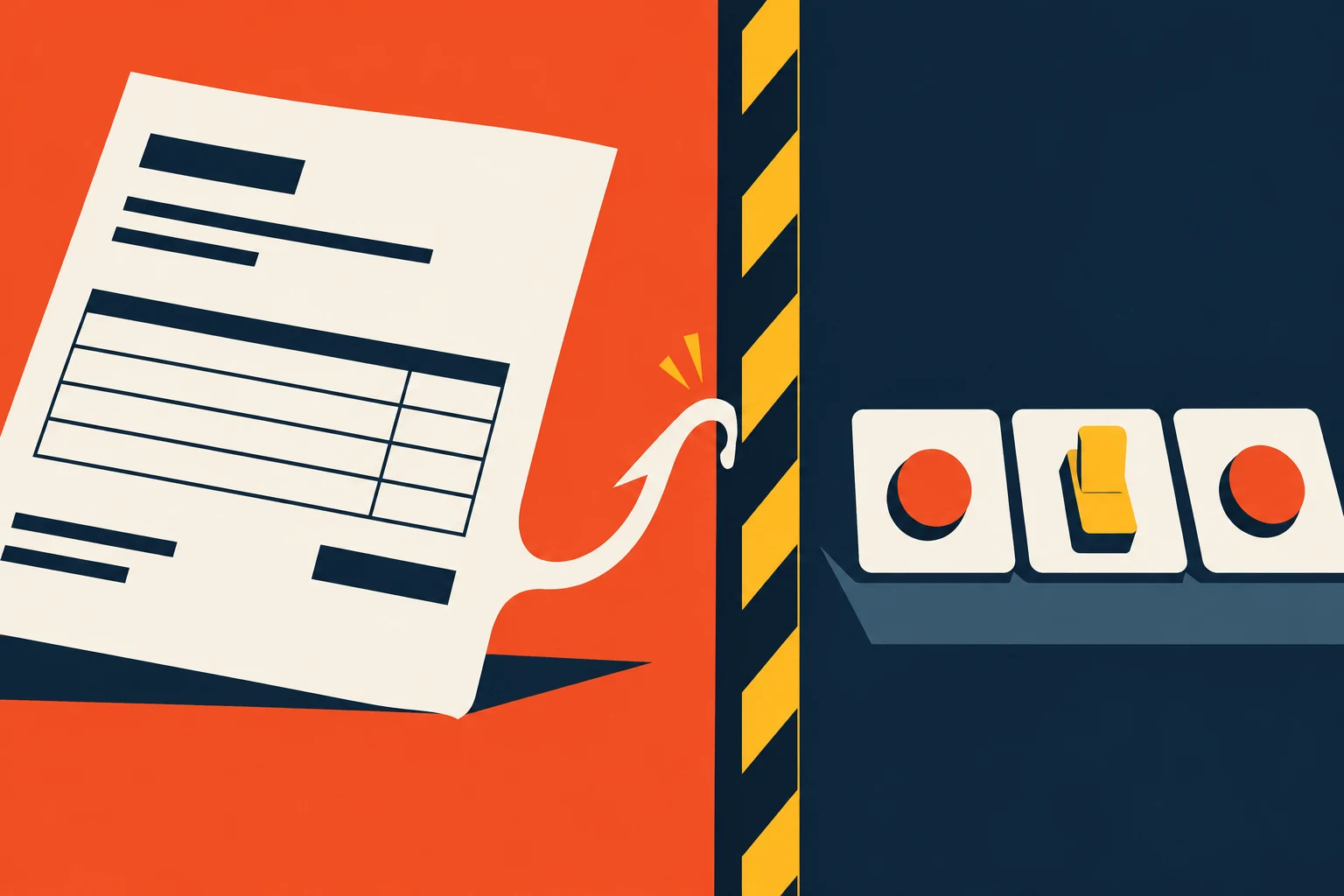 0420 minutesWhen a Document Tries to Give OrdersRecognize prompt injection and keep untrusted content from becoming authority.Read lesson
  0520 minutesLet AI Draft Widely and Act NarrowlyPlace human review at the irreversible moments without making every small step a committee meeting.Read lesson
  0618 minutesWhen the Safe Route Is Too HardFind the hidden workarounds that a restrictive policy creates and redesign the path people will actually use.Read lesson
 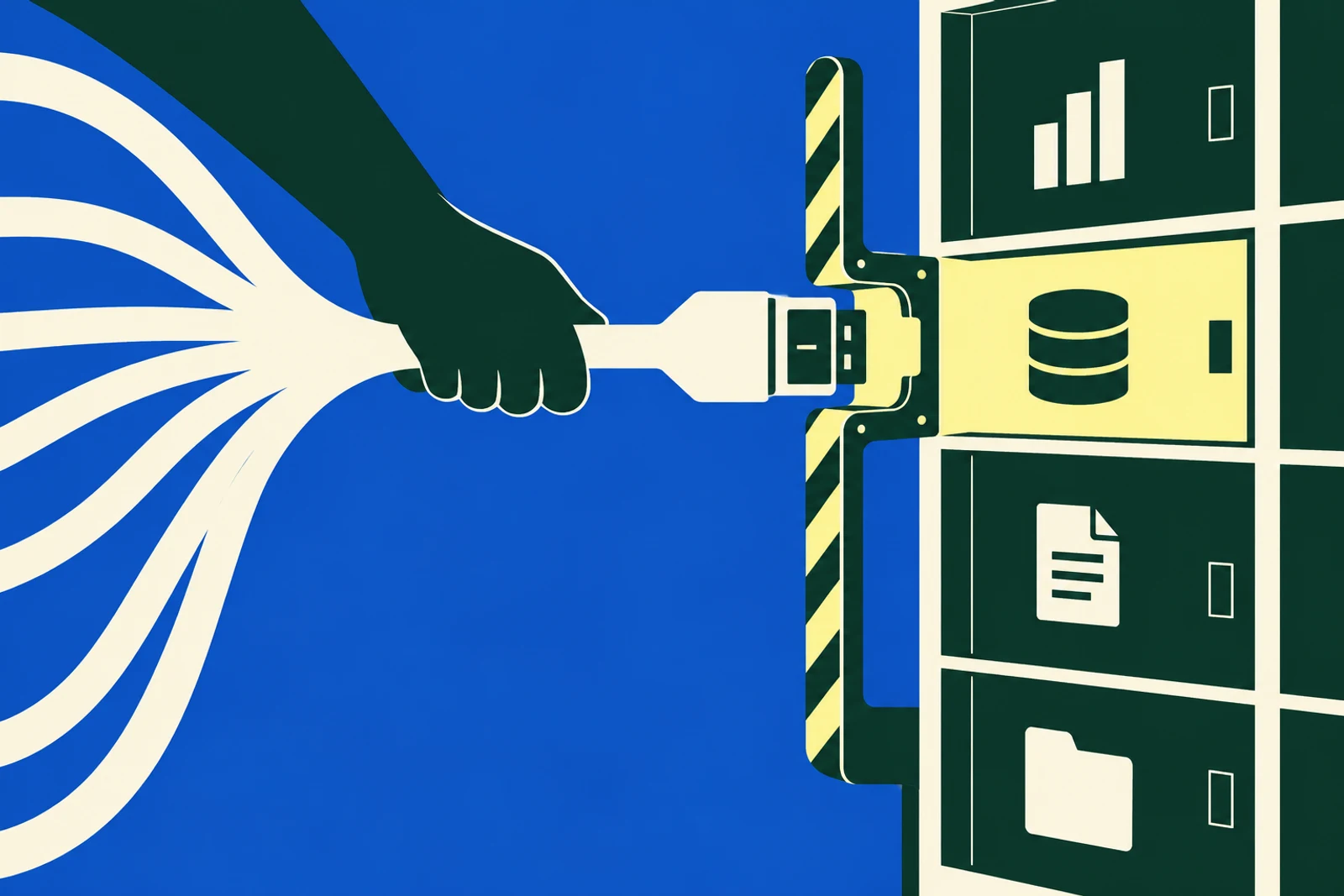 0720 minutesCheck the Vendor and Every ConnectionAsk questions that expose the actual data route and permissions before procurement approves a shiny demo.Read lesson
 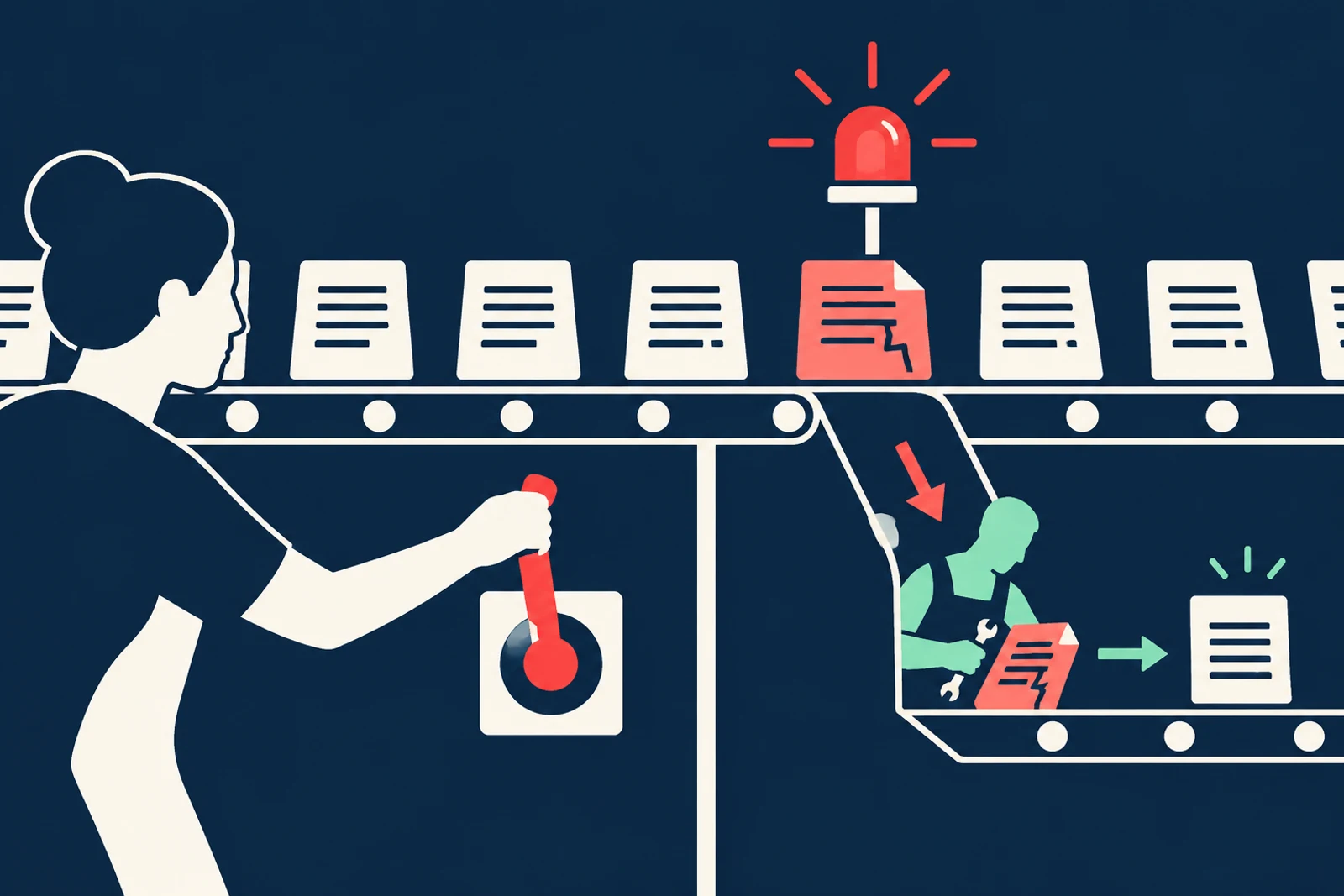 0820 minutesTest the Bad Case and Keep WatchingGo beyond a launch-day demo with planted failures, logs, rollback, and an incident rehearsal.Read lesson
  0920 minutesScore What Your Organization Can Actually DoUse ten evidence-based checks to find weak controls without mistaking a self-score for a certification.Read lesson
  1022 minutesBuild the Fix Plan—and Know When to Call an ExpertTurn gaps into dated work, choose what you can do in-house, and recognize specialist triggers.Read lesson
 Lesson art is AI-generated editorial illustration; the numbered process diagrams inside each lesson carry the exact steps.
Measure the practice
How does one workflow score?
Open the ten-question assessment when you are ready to check a real workflow. It sits in its own workspace, so you can focus on the lesson first. Your answers stay in this browser tab.
Make a fix list
For each gap: name the workflow, the failure it permits, immediate containment, lasting fix, owner, date, and test. Start with the action that reduces harm today.
Do the basics yourself
Inventory tools, remove unused access, enable stronger sign-in, define approved data, and rehearse a pause. You can do these with your existing IT support and a named business owner.
Know when to call help
Bring specialists for a suspected breach, regulated or contract-restricted data, unclear notification duties, or an agent with consequential external powers you cannot safely bound.