
Google Sheets Multi-Select on Mobile: Choose a Reliable Intake Layout
Choose checkbox columns or assignment rows when Sheets multi-select fails on mobile. Test six selections, corrections and downstream job counts.
Published November 23, 2026

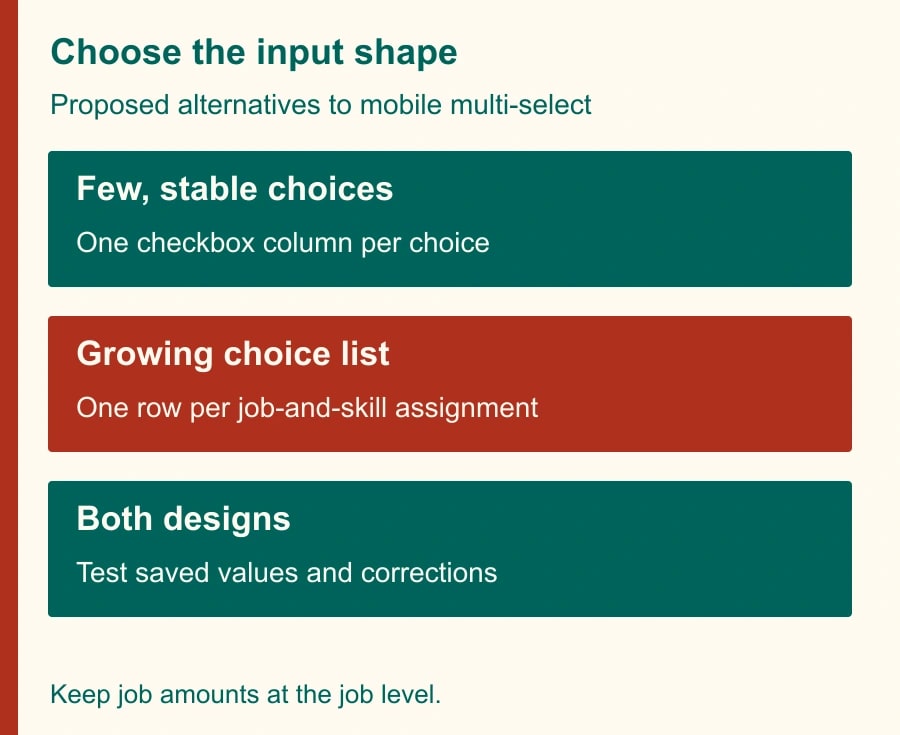
If a Google Sheets dropdown allows several selections on a computer but replaces the first choice on a phone, do not keep rebuilding the validation rule. Google's current help says mobile users cannot select multiple dropdown options even when multiple selection is enabled. For field intake, choose an input layout your team can actually use: separate checkbox columns for a small stable list, or one row per assignment when the list needs to grow.
This guide is for a coordinator collecting job skills, equipment needs or service categories from people using phones. It also applies when the sheet feeds an automation or an AI-generated daily briefing. A summary cannot recover a selection the intake interface never captured. If everyone reliably works in a desktop browser and the existing chip layout serves the task, a redesign may add unnecessary work. Test the actual operating constraint first.
Google documents multiple selections for chip-format dropdowns and notes that leading or trailing spaces should be removed from options. It explicitly lists the mobile limitation. These are product facts checked November 23, 2026, not a claim about the behavior of every future app version. Read the dropdown configuration and mobile limitation.
Reproduce one lost selection before redesigning the sheet
Use a copy with harmless job records. On a computer, inspect the target cells' data validation rule, confirm that multiple selection is enabled and that the display style is Chip. Check whether all intended input rows use the same rule. An issue affecting only one row may be a rule or range problem rather than the mobile limitation. Keep that distinction in the diagnostic record.
Have a colleague use the same phone app and work account they normally use. Ask them to choose Electrical and Inspection for a fictional job, then reopen the record. Record exactly what remains. Also inspect the saved sheet from the coordinator's computer. The test should follow the value all the way into storage, not stop at what appeared momentarily on the phone.
If the symptom matches the documented limitation, stop asking field staff to repeat the same action. Do not blame training for a control that does not support the required interaction. If the result differs, preserve the app version, device type and test record, then diagnose the actual behavior. Avoid announcing that the limitation has disappeared based on one device without confirming the team's other required paths.
Prepare a short input specification before changing layout: a stable job identifier, the allowed skill list, whether several skills are permitted, who may amend a request and what “no selection” means. Include the downstream use. A list used only for visual review has different requirements from one that automatically assigns a technician or sends a customer message.
Choose columns when the choices are few and stable
For three known choices, separate Electrical, Plumbing and Inspection columns can be easier to use and audit than a multi-select chip. Each job stays on one row. The person marks each applicable choice separately. Google Sheets supports checkboxes and allows custom checked and unchecked values; pick one documented convention for your sheet and test what the consuming process receives. Read the checkbox setup options.
Treat the checkbox layout as a proposed workaround to test on the team's devices, not a guarantee from this article that your particular app and integration will handle it correctly. Create a small pilot, enter two selections, save, reopen and inspect the stored values. If an automation expects TRUE and FALSE, do not silently substitute labels such as Yes and No without updating and testing that automation.
This design is attractive when the list changes infrequently and people can see all the choices without excessive horizontal scrolling. It becomes awkward with dozens of categories. A new category means a new column and potentially a changed formula, export or automation mapping. Decide who owns that change. Otherwise a coordinator may add a column that looks correct but is invisible to the downstream process.
Preserve a separate review status if an all-unchecked row might mean either “none required” or “not yet reviewed.” For example, a coordinator can confirm that the skill review is complete. Do not infer completion solely from three empty-looking boxes. The business needs to distinguish a deliberate answer from an unfinished intake, especially before assigning work.
Choose assignment rows when the choices grow
A second design keeps a Jobs table with one row per job and an Assignments table with one row per selected skill. In this context, a table simply means a structured range with consistent columns; you do not need to assume a special database product. Each assignment contains the job identifier and one skill from an ordinary single-choice dropdown. A job needing two skills gets two assignment rows.
For a team using phones, the entry procedure must make adding that second row practical. Test the real interaction rather than assuming normalization makes the interface easy. Normalization here means separating repeating selections into individual records. It can make reporting and automation clearer while making manual entry less convenient. The right choice balances both sides of that tradeoff.
Keep job-level information, such as customer, appointment date and total quoted amount, in the Jobs table. Copying the full job into every skill row can inflate totals. If a $300 job has three skill assignments and its amount is repeated on all three, summing the assignment rows produces $900. That is a modeling mistake, not additional revenue. Link by the job identifier and calculate job totals from the job-level records.
Use a uniqueness rule in the process for each job-and-skill pair. A coordinator should detect duplicate assignments before dispatch, whether through a reviewed report, formula or a system designed to enforce uniqueness. A dropdown restricts the available skill labels; it does not by itself prove that the same pair was entered only once. The owner must decide what duplicate detection and correction look like.
Reconcile six assignments across three jobs
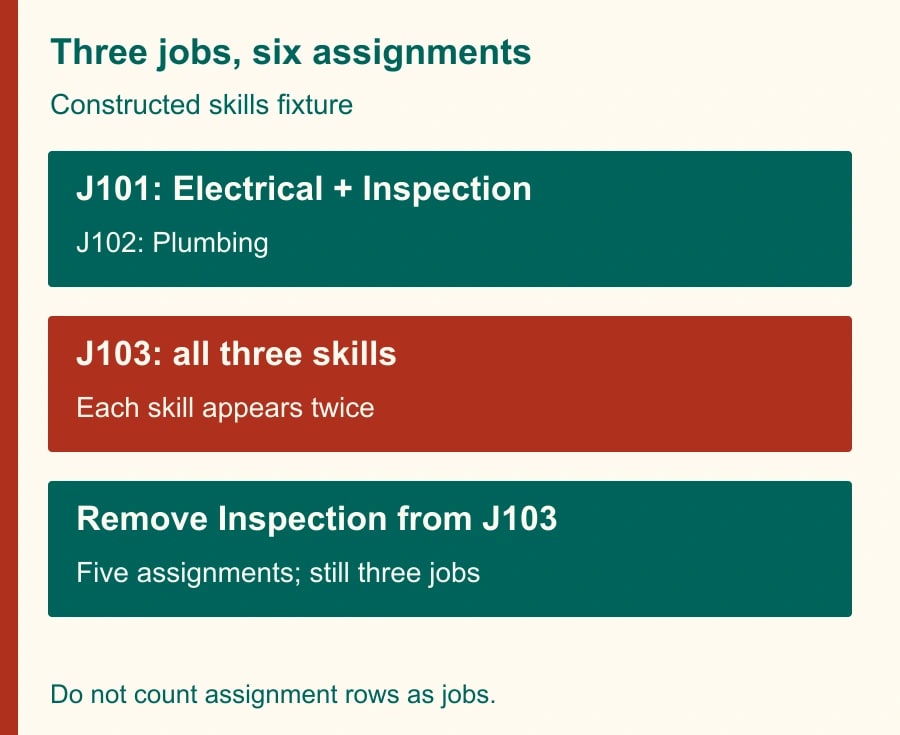
Build this constructed fixture in the pilot. J101 needs Electrical and Inspection. J102 needs Plumbing. J103 needs Electrical, Plumbing and Inspection. That is three jobs and six assignments. The correct skill counts are two Electrical, two Plumbing and two Inspection. These figures are an answer key for your test, not measured customer data.
In a checkbox layout, the three job rows should contain two, one and three selected skill boxes respectively. In an assignment-row layout, J101 appears twice, J102 once and J103 three times. Both layouts represent the same need. If your dashboard reports six jobs, it has counted assignments rather than distinct job identifiers. If it reports only three skills, it may have retained just one selection per job.
Now remove Inspection from J103. The expected result is five assignments across the same three jobs: Electrical two, Plumbing two and Inspection one. Reopen the record on the phone and the coordinator's computer. Inspect the downstream report or dry-run automation. A deletion that changes the input but leaves a stale dispatch instruction has not completed the business task.
Add a duplicate J101–Electrical pair in the test copy. The process should flag or prevent it according to the rule you chose. Also add a row with an unknown job identifier and another with no skill. Those should not silently become work for a real technician. Record the expected handling before testing so the reviewer is not inventing success criteria after seeing the output.
Do not rely on punctuation as a hidden data format
Manually typing a comma-separated list may look like a quick solution, but it creates another input contract. What happens when a legitimate category contains a comma? Are spaces meaningful? Are labels case-sensitive in the next tool? How does the process represent a removed selection? If the team cannot answer those questions, a text workaround can exchange an obvious mobile limitation for an invisible parsing error.
If an existing integration already consumes a delimited list, inspect its actual stored value and documented behavior before changing it. Do not assume the visual chips define a universal export format. Test a simple choice, two choices, an option containing punctuation, a removed choice and an empty cell through the exact connector or export you use. Keep expected and observed outputs side by side.
For a small operation, a person reviewing a clear checkbox sheet may be safer and cheaper than maintaining a custom parser. For a larger operation, a purpose-built intake form or work-management system may be justified. Evaluate it against the actual job: multiple selections on the required devices, stable identifiers, correction handling, access controls and a usable handoff. A prettier selector alone is not a reason to migrate.
AI can help draft a conversion plan from harmless examples, but do not let it guess the meaning of ambiguous legacy cells. Give the reviewer a list of unresolved values and retain the original. “Electrical, Inspection” may be straightforward; a department name or free-text note may not be. The responsible coordinator should approve the interpretation before it changes assignments.
Move existing data with a reconciliation window
Choose a short transition period with one authoritative input path. If staff can update both the old multi-select column and the new layout, the two can diverge immediately. Preserve the old values as evidence, mark the new location clearly and tell users when it becomes authoritative. Do not erase the old column until the owner has verified the conversion and any retention needs.
Reconcile at three levels: number of distinct jobs, number of job-skill assignments and counts by skill. Then review a sample of individual job identifiers, including multi-skill cases and empty records. Totals alone can conceal swaps between jobs. A count of six assignments is not enough if J101 and J103 received each other's selections.
If a downstream automation dispatches work, test it without sending real messages or changing live assignments. Use a dry-run destination, a test queue or another approved method. Confirm what happens when a selection is added, removed or corrected after the first run. A process that handles new rows but ignores corrections needs a clear manual recovery path before release.
Estimate the transition cost honestly. Staff need an explanation, existing data needs checking and formulas may need adjustment. The repair does not necessarily require a new paid tool, but it is not free labor. Avoid presenting the redesign as a saving until you have compared actual correction effort with its ongoing maintenance burden.
Give the intake an owner and a stop condition
- Field user: enters every required selection using the tested device path and confirms the saved record.
- Coordinator: owns the approved category list, resolves ambiguous entries and verifies review completion.
- Analyst: preserves job identifiers, checks assignment counts and prevents job totals from being multiplied.
- Automation owner: tests additions, removals, duplicates and corrections in the consuming process.
- Release reviewer: signs off the three-job fixture, mobile reopening test and downstream dry run.
- Recovery owner: handles incomplete rows and pauses dispatch when the input cannot be trusted.
Use a practical stop rule: do not release a layout that loses a second selection, cannot distinguish unfinished intake from a deliberate empty answer, or sends an incorrect assignment after a correction. These defects change the work performed. Cosmetic improvements can wait; reliable capture and correction cannot.
Measure missed selections, duplicate assignments, clarification calls and coordinator time per completed job intake. In a constructed week, 15 clarification calls taking four minutes each use 60 minutes. If the redesigned process leaves three calls and requires 20 minutes of maintenance, the workload becomes 32 minutes, releasing 28 minutes. Those are illustrative capacity figures, not a forecast or cash savings. Measure your own workload before claiming a benefit.
The next action is to create the three-job fixture and test both candidate layouts on the actual phones. Keep the simpler one that preserves all six assignments and their corrections. Use our guide to protecting formulas while allowing Sheets input to protect the surrounding calculations. If assignment rows later inflate a financial report, see how splitting data into rows can duplicate amounts.
Weekly Newsletter
AI Adoption Weekly
New research, field guides, training studies, and tool decisions for operators.
No spam. Unsubscribe anytime.
Related Comparisons
Calculator
AI seat cost calculator
List price × headcount. You enter the hours and the operating assumptions.