
Construction AI: Answer the Old Question Before Filing a New RFI
For builders, the first AI win may be finding an answer already in the current drawings or project record. Compare Procore and Autodesk on the same questions before changing the official RFI process.
Published October 7, 2026
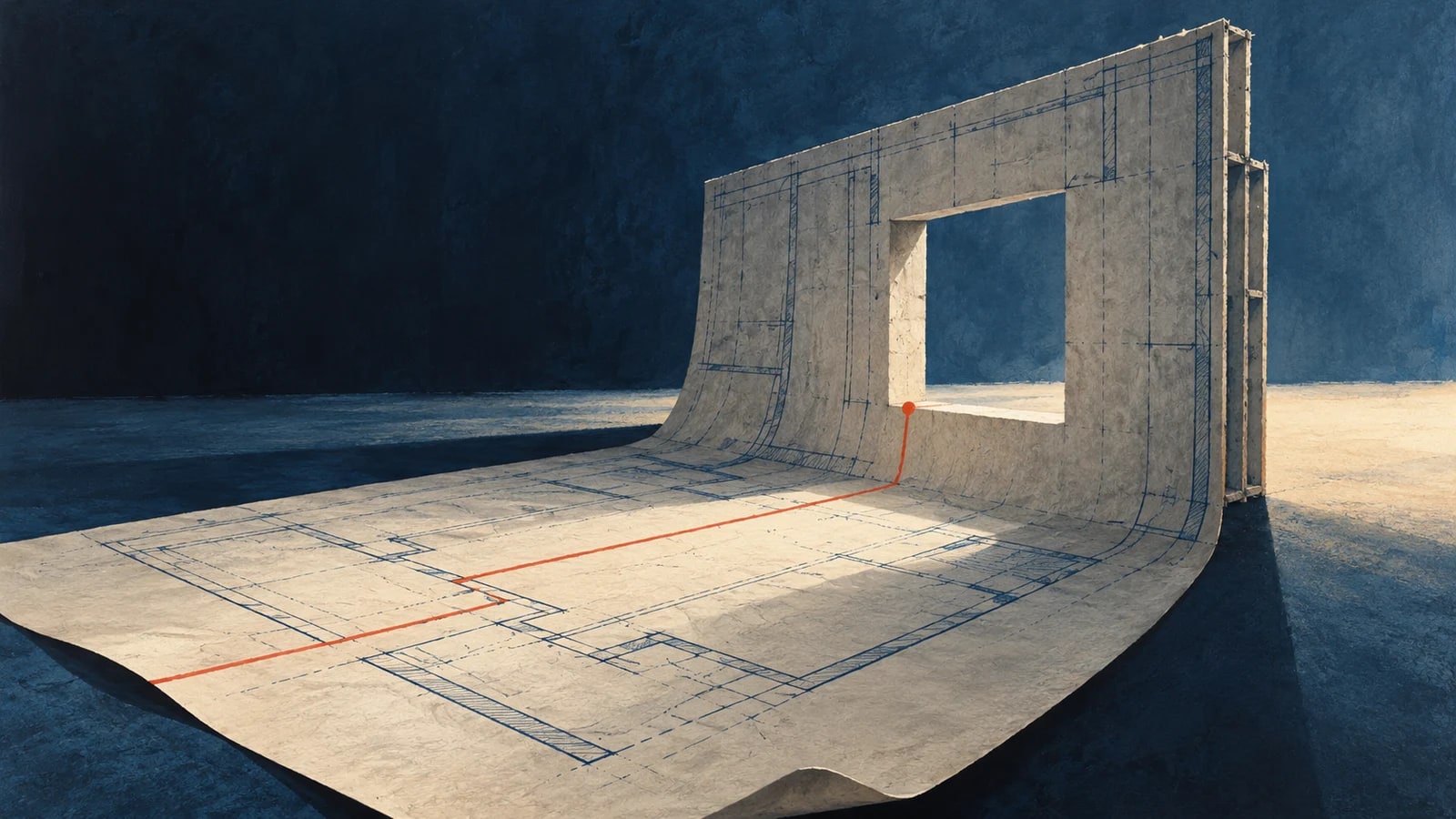
On a job site, an unanswered drawing question can halt work while the team files a request for information, or RFI. Some questions already have an answer in a revised specification or a closed RFI; others need the designer's formal decision. An AI assistant may help separate the two. The project manager should test it on that narrow job before asking it to draft more correspondence.
The expensive mistake is a confident old answer
Imagine a field supervisor asking which fire-rated assembly belongs at a corridor opening. The original drawing and a later revision disagree. A fast answer from the old drawing is worse than an honest “I cannot tell.” This is a constructed example. The project team needs the current sheet, the relevant specification, and the official response history visible beside the suggested answer. A design interpretation with cost or schedule consequences still goes through the assigned reviewer.
Procore describes Assist as able to answer questions from RFIs, submittals, drawings, specifications, and documents. Its documentation also says Assist cannot read image files or drawing markups. Procore's RFI drafting feature is in open beta and tells users to review generated content. A contractor whose decisive note is handwritten on a drawing should therefore check whether the assistant can actually see it before relying on a response.
Autodesk's RFI workflow describes an optional AI agent that searches project specifications and closed RFIs while a user drafts a question. It may suggest that no new RFI is needed, that one is recommended, or that it cannot determine the answer. Autodesk also offers draft field completion, with the user responsible for checking accuracy. Its RFI process documentation still assigns the official question and response to project roles. These are documented provider capabilities, not evidence that either product will resolve a particular site's design conflict.
Buy for the record your team actually maintains
A company already running its RFIs and drawings in Procore should test Assist against those records first. A company running the formal RFI process in Autodesk should test its in-form search and draft help there. Neither choice is justified by a general model benchmark. What matters is whether the tool reaches the current version, shows where an answer came from, and leaves a question open when the evidence conflicts.
A practical replay before any rollout
- The project controls lead selects a mix of past questions: duplicates, questions resolved by a current drawing, and questions that truly required a designer response. Preserve the source version and final disposition as the answer key.
- Have users ask each question without showing the answer key. Count correct source finds, false “already answered” calls, missed revisions, drafting corrections, and time from field question to a usable next step.
- Stop if the assistant treats an obsolete sheet as current, misses a safety-relevant conflict, or implies a generated answer is the designer's official instruction. Keep the existing RFI approval path until the replay passes.
A skeptical manager may find the records themselves are poorly versioned. In that case, adding AI can accelerate the wrong answer. Make current drawings and final RFI responses reliable first. If the replay succeeds, start with search and draft support on one project. The agent approval matrix helps keep finding an answer separate from issuing an instruction.
Weekly Newsletter
AI Adoption Weekly
New research, field guides, training studies, and tool decisions for operators.
No spam. Unsubscribe anytime.
Related Comparisons
Calculator
AI seat cost calculator
List price × headcount. You enter the hours and the operating assumptions.