
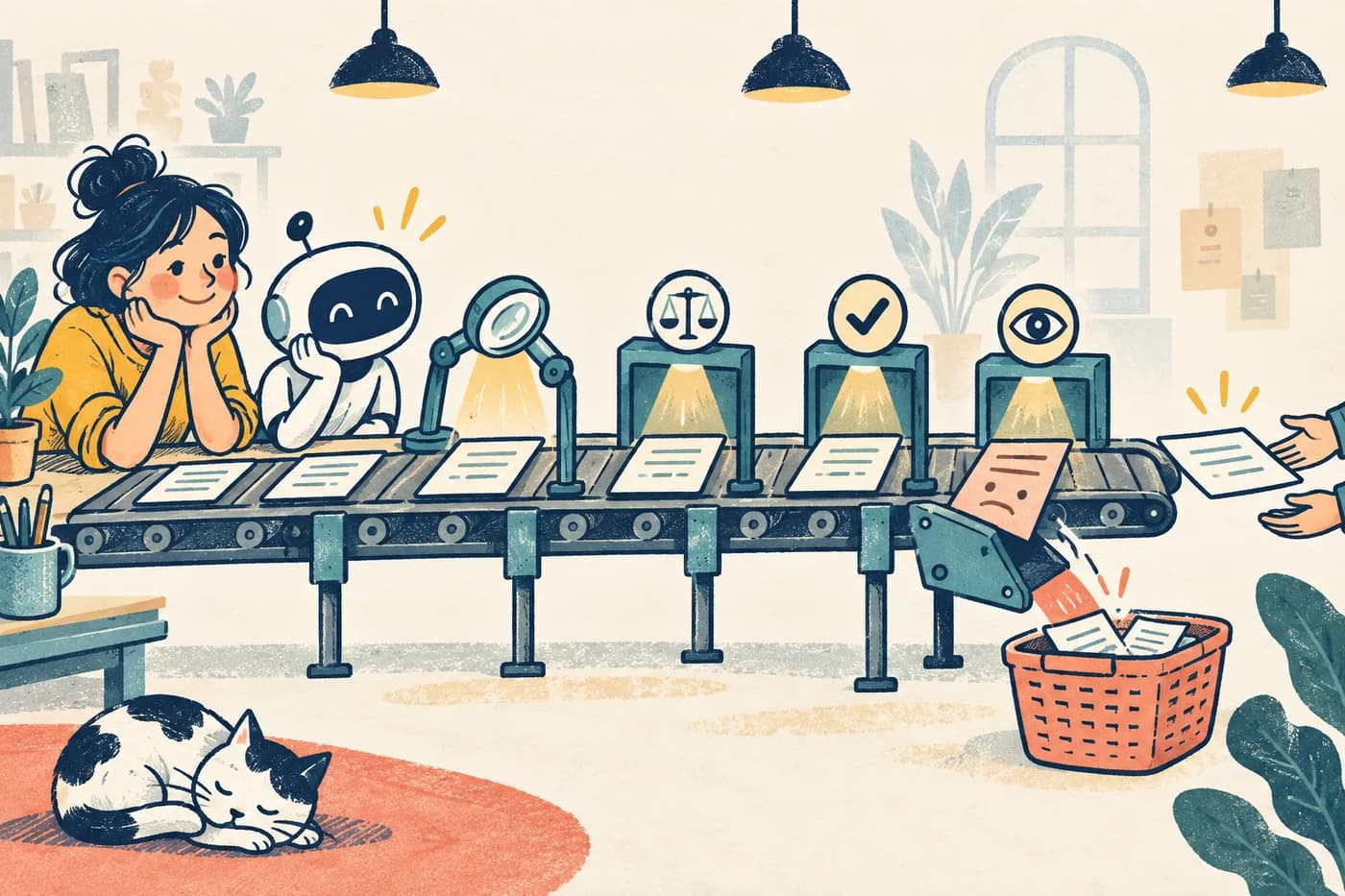
The best time to catch a bad AI answer is before it becomes a customer promise. The second-best time is before it quietly updates the customer record. A few checks at the right handoffs beat one heroic inspection at the end.
The useful takeaway
Map the moments when a draft gains authority, then put a check and an owner at each one.
A realistic example
Example: the shipping answer that becomes a refund
A service assistant reads an order and drafts a reply: “Your package will arrive tomorrow.” It also proposes a shipping refund.
What goes wrong
The carrier supplied an estimate, not a guarantee—and its last update is old. The refund is outside the assistant’s authority. A final spelling check catches neither problem.
A better check
The team checks when the carrier updated the estimate and words the reply accordingly: “The carrier currently estimates tomorrow,” or “We do not have a reliable date yet.” A person approves the refund before any money moves.
The flow
What gets checked, and when
Follow the numbered steps in order. Each answers a different question; one green check cannot stand in for the others.
- 01
Input
Check the order ID and feed timestamp.
Catches: Stale or wrong customer data.
- 02
Draft
Distinguish an estimate from a promise before replying.
Catches: A tentative date stated as a guarantee.
- 03
Action
Require an authorized approver for refunds.
Catches: Unapproved money movement.
- 04
After
Confirm the record and customer reply match.
Catches: A silent save or handoff failure.
Put the check where the risk changes
A checkpoint is a question answered before work crosses a boundary. A draft in a private work area is different from an email sent to a customer. A suggested refund is different from money leaving the account. At each boundary, ask what could go wrong, what evidence would reveal it, and who has authority to continue.
Do not turn every comma into an approval meeting. Reserve human review for the moments where a mistake is costly or hard to reverse. Use automatic checks for things that can be stated exactly: required fields, allowed amounts, approved destinations, missing sources, and the age of a data feed.
- Before generation: confirm the input record, permission, and source freshness.
- Before a person relies on the draft: check claims, calculations, and missing information.
- Before a system acts: enforce limits and require the right approval.
- After the action: verify that the intended change was saved and no second action occurred.
Give each gate an owner and a stop rule
A check without an owner is a decorative traffic light. For the shipping example, operations owns the delivery feed, service owns the customer message, and finance owns refund limits. Each group should know what happens when its check fails: stop, correct, route to a person, or ask for more information.
Write stop rules in language a newcomer can use. “If the last carrier update is more than 24 hours old, do not give a delivery date” is clearer than “escalate low-confidence logistics output.” Even a fresh carrier estimate is not a guarantee: say the carrier currently estimates a date, not that the package will certainly arrive then. The 24-hour threshold is only an example; your team should set its own.
Run the path with a normal case and a bad case
Walk one ordinary order through all four gates. Then use a test order with a stale tracking update and an over-limit refund. The goal is not to get a beautiful answer; it is to see the workflow stop at the right gate with a useful explanation. Record who was alerted and whether the customer received an unsupported promise.
A software team can automate the visible journey and check the saved order record directly. It can also simulate a stale or failed carrier response instead of waiting for a real outage. Keep simulated data clearly labeled so nobody mistakes it for a real customer case.
Make the handoff record small enough to use
A useful record can be short: input version, draft version, evidence checked, gate result, approving person, action taken, and time. That is enough to reconstruct why the system proceeded or stopped. Avoid a 40-field log nobody reads.
When a failure repeats, change the gate—not just the prompt. If stale delivery data caused five bad drafts, a better prompt cannot refresh the feed. Fix the feed owner, age check, or policy for what to say when the date is unknown.
Try this
Draw four boxes for one workflow
- 1Name the input, draft, action, and after-action moment.
- 2For each, write one failure it could catch, one owner, and a simple stop rule.
- 3Run an ordinary case and one planted failure through the map. Note where each stops.
You are ready when: A newcomer can explain who checks each boundary and what happens when it fails.
Sources and further reading
The examples above are constructed teaching scenarios. These primary sources support the testing methods and evaluation principles.
- NIST Generative AI Profile
Evaluation, source history, and human oversight across an AI system.
- Playwright: network mocking
Simulating upstream responses during a browser test.
- Playwright: API testing
Checking system responses and saved state beyond the page.