
Zapier vs Make: The Decision Your Ops Team Will Make Three Times
Feature checklists are identical. Mental models aren't. Here's why picking the wrong platform costs you more in iteration friction than it saves in setup time.
Published November 8, 2025· Updated Sep 16, 2026

A B2B SaaS founder we know spent six weeks building out their customer onboarding workflow in Zapier. It worked. Leads came in, got assigned to sales reps, Slack notifications fired. Three months in, they realized the workflow needed conditional logic: if a prospect came from a specific cohort, they should skip three steps and jump to a different sequence.
Zapier could technically do it. But the mental model was backwards. The workflow wasn't designed to branch—it was designed to chain. Rebuilding it in Make took a weekend. The same logic took two hours to implement. Nothing was broken in Zapier. It just felt wrong. And by the time they realized it, the entire ops team had already internalized Zapier's way of thinking about process.
This is the moment most teams face when choosing between Zapier and Make. The problem is, it almost always arrives after they've already committed to one.
The Trap: Feature Parity Hides Philosophy
Visit either platform's pricing page. Both have webhooks. Both have conditional logic. Both have error handling. Both support recurring automations. The feature matrices overlap almost completely. Both integrate with 500+ apps. Both cost roughly the same. This perfect symmetry is the trap.
What doesn't appear in any comparison is the fundamental difference in how each platform thinks about building a workflow. Zapier was built for linear automation: event happens, trigger fires, actions execute in sequence. The mental model is "if something happens in app A, do something in app B." You're thinking in terms of a chain.
Make was built for visual workflow design first. It thinks in nodes, routes, branches, and logic gates. You're drawing a flowchart. The automation is the byproduct. Different mental model. Same feature set on paper.
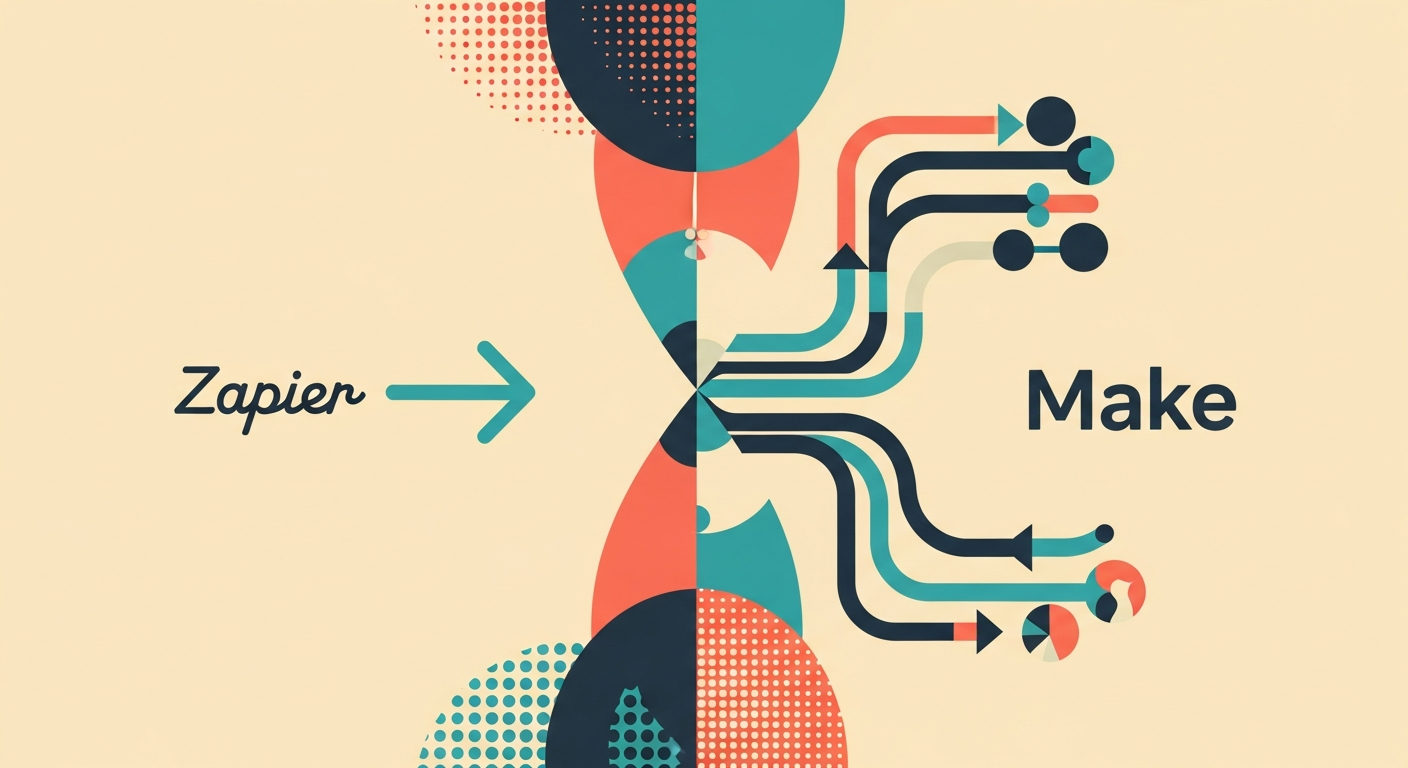
The consequence is not theoretical. Both platforms can build the same workflow. But one will feel like translation.
Teams that pick the wrong one don't realize it until they're three months in, trying to add complexity that requires rethinking the entire structure. By then they've trained people on it, written documentation, and embedded it into how their ops team thinks about process. Switching costs money, attention, and credibility.
The automation layer a founder can see
Branching scenarios. You still own the graph.
We may earn a commission · editorial verdicts remain independent
The Core Reframe: Workflows Are Either Chains or Diagrams

A linear workflow is a chain. One thing happens, then another, then another. Lead comes in → email goes out → entry goes in CRM → Slack notification fires. If you're automating something that happens the same way every time, or variations are handled by entirely separate workflows, you're building a chain. Zapier is built for this. The interface assumes forward momentum. Each step adds to the last. Debugging reads top to bottom.
A conditional workflow is a diagram. One thing happens, but where it goes next depends on what that thing is. A form submission comes in—does it route to sales or support? Does it need approval first? Does it go to one tool if the value is above a threshold and a different tool if it's below? Make is built for this. The interface is built on connectors and branches. You draw the logic.
This distinction matters operationally because the wrong choice creates friction that compounds. A conditional workflow forced into Zapier becomes a series of individual workflows, each with its own trigger, each requiring its own testing. The mental model breaks. A linear workflow forced into Make feels over-engineered—you're using a flowcharting tool when you need a straight line.
Here's the decision rule: if more than 20% of your workflow involves conditional routing, you're building a diagram. Build it in Make.
The Four Signals: When to Choose Which
1. Workflow Complexity: Does It Branch?
A payment processing automation that always sends a confirmation email and always logs to your database—chain. A lead magnet that sends welcome emails to prospects but routes them to different nurture sequences based on company size—diagram. Ask: does every instance of this workflow take the same path, or do different instances go to different places based on conditions?
If the answer is 'different places,' you're describing conditional logic. Zapier can handle it with multiple workflows. Make handles it visually, with a single workflow that branches. The second approach scales easier.
2. Iteration Velocity: Will You Revisit This?
A payment automation that works the same way for a year—Zapier works fine. An onboarding workflow your team will refine quarterly, adding steps and adjusting conditions as you learn what works—Make is the better bet. The cost of modification is lower. Changes are visible to non-technical team members.
A growth marketing team recently rebuilt their lead scoring workflow in Make specifically so the marketing manager could adjust the routing logic herself without waiting for the ops person. That's the signal. If the workflow owner wants to change it without engineers, Make. If it's set-and-forget, Zapier.
3. Data Transformation: Is This Just Passthrough?
Some workflows are pure integration—data comes in one shape, gets transformed or processed, and goes out in a different shape. A customer record from your app needs to be split into three separate database entries. An invoice in your accounting tool needs to trigger calculations in a spreadsheet. Make handles this more visibly. Zapier requires Code steps, which feel like a secondary feature.
If you're doing serious data transformation, Make's approach is cleaner. If data mostly passes through unchanged, Zapier's simplicity is an advantage.
4. Team Ownership: Who Owns the Workflow?
A software engineer building this for the team often prefers Zapier—it's more predictable, easier to debug when things break. A non-technical operations person building and maintaining it often prefers Make—the visual interface is closer to how they already think about process.
A B2B content company handed their email-to-CRM workflows to their operations manager after initially building them with a contractor. She rebuilt in Make because she needed to understand what was happening when something broke. She needed visibility. That's the difference.
The 15-Minute Decision Conversation
Don't research. Sit with the person who will actually own this workflow. Ask these questions:
- Does every instance of this workflow take the same path, or do different instances go to different places? (Diagram signal = Make)
- How often will you revisit this? Will you adjust the logic quarterly or is this set-and-forget? (Frequent iteration = Make)
- Will you be transforming data, or mostly passing it through? (Serious transformation = Make)
- Who owns this one year from now? Will an engineer maintain it or will an ops person? (Non-engineer = Make)
If three or more answers point to Make, start there. If most point to Zapier, Zapier will feel faster on day one. The speed on day one matters less than the friction on day 90.
The Pattern That Compounds
The companies that move fastest with automation don't pick based on reviews or feature lists. They pick based on mental model alignment. A team that thinks in flowcharts will iterate faster in Make even if Zapier technically has all the features. A team that thinks in linear steps will be faster in Zapier even if Make is theoretically more powerful.
The tool that matches how your brain works is always faster than the 'better' tool that requires you to think differently.
Here's what matters more: the automation platform you choose early becomes the way your ops team thinks about process for years. It becomes embedded. It shapes how workflows get built and how they evolve. Wrong choice doesn't break anything immediately. It just means every iteration is slightly harder, every edge case requires more workarounds, and your team slowly learns to think in ways that don't match the tool.

The cost isn't the platform fee. It's organizational momentum in the wrong direction.
The automation layer a founder can see
Branching scenarios. You still own the graph.
We may earn a commission · editorial verdicts remain independent
Weekly Newsletter
AI Adoption Weekly
New research, field guides, training studies, and tool decisions for operators.
No spam. Unsubscribe anytime.
Related Comparisons
Calculator
AI seat cost calculator
List price × headcount. You enter the hours and the operating assumptions.